
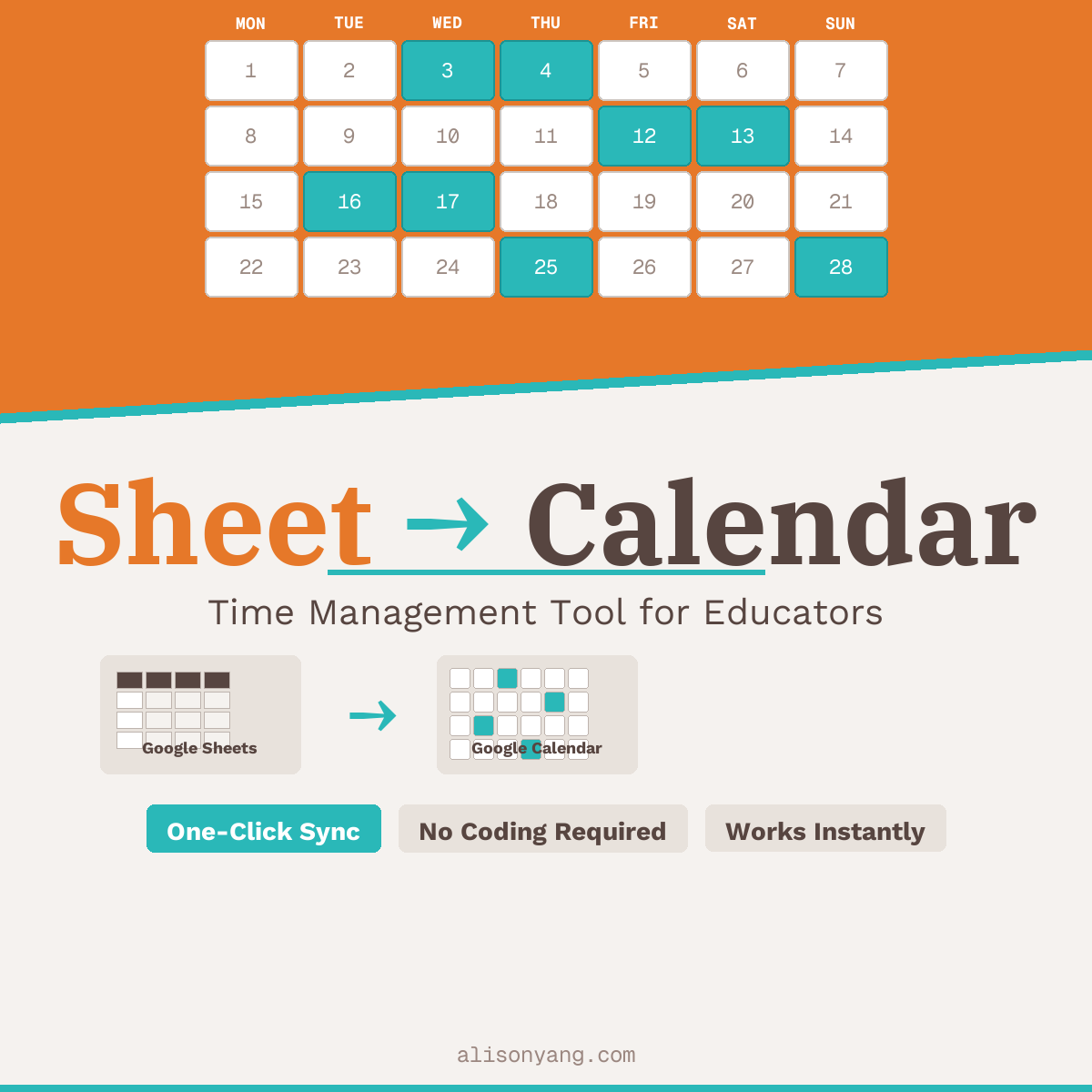
The Google Sheets to Google Calendar sync tool that eliminates manual calendar entry. Add your events to a spreadsheet, click one button, and every event lands in Google Calendar with attendees invited automatically.
What You Can Do With This Google Sheets to Google Calendar Sync Tool
- One-click sync Use the custom Calendar Sync menu Sync Events button to push all rows to Google Calendar in seconds.
- Auto-invite attendees Add comma-separated email addresses in column H every person receives a Google Calendar invitation automatically on sync.
- Smart guest updates Add a new email and sync that person gets an invite. Remove an email and sync that person gets a cancellation. No duplicate invitations, ever.
- Auto-delete from Calendar Delete the row, click sync, and the event disappears from Google Calendar. Attendees receive a cancellation email automatically.
- Auto-update without duplicates Edit any field title, time, location, description and sync. The existing Calendar event updates in place no ghost duplicates.
- Built-in date picker Click any cell in the date column and a calendar icon appears for visual date selection. No manual date formatting required.
- Automatic timezone detection The script reads your timezone directly from your Google Calendar settings. Works correctly whether you’re in Hong Kong, London, or Chicago.
- Just need it for yourself? No problem — most users create events entirely for their own calendar. Attendees are completely optional.
Who This Is For
This Google Sheets to Google Calendar sync tool is built for people who already use Google Sheets to plan their schedules and are tired of manually re-entering the same information into Google Calendar. It is especially useful for
- Teachers and instructional coaches who schedule observations, PLCs, and professional development sessions
- School administrators managing assessment calendars, staff meetings, and event rosters
- Consultants and facilitators running multi-session workshop series with rotating attendees
- Operations and project managers who track meetings in Sheets and need them in Calendar without double entry
This is perfect for you if you’ve ever thought I already have all this in a spreadsheet why do I have to type it into Calendar again?
If you manage team events and meetings, you may also find our Effective Collaboration Planning Checklist useful for structuring your team sessions before syncing them to Calendar.
How to Set Up Your Google Sheets to Google Calendar Sync Tool
- Download the file and make a copy of the Google Sheet in your own Google Drive.
- Open the sheet. Go to Calendar Sync – Sync Events from the top menu.
- When Google shows an authorization prompt, click through to grant permission. If you see an unsafe app warning, click Advanced Go to script name this is normal for personal Google Scripts and does not indicate any security risk. Learn more about Google Calendar event management.
- That’s it. The script is now connected to your Google Calendar.
- Add your events to the spreadsheet, click Sync Events, and check your Calendar.
File Details
- Format Google Sheet with Apps Script pre-loaded .gs script file PDF User Guide
- Editable Yes add, edit, or delete rows in the sheet at any time
- Coding required No one-time authorization only no code editing needed
- Compatibility Any Google account free works on Mac, Windows, Chromebook, or any browser
- Delivery Instant digital download after purchase
Technical Requirements
- A Google account free tier works perfectly
- Google Calendar active on that account
- Google Sheets browser-based, no install needed
- No coding knowledge required at any stage
License
Personal use license. You may use this tool across your own Google accounts and sheets. You may not share, resell, or redistribute the file.
Consider manually entering 20 workshop sessions with attendees into Google Calendar takes 30-40 minutes. With this Google Sheets to Google Calendar sync tool, it takes under 60 seconds and every attendee is invited automatically.
Instant download. Your files are available immediately after checkout.
Refund Policy
This is a digital product and all sales are final. By purchasing, you acknowledge that no refunds, exchanges, or cancellations are available once the files have been delivered.

Reviews
There are no reviews yet.